Reading time: 16 min
Table of Contents
- Key Takeaways
- What Is an SEO Ranking Report (and Why It Still Matters in 2026)?
- SEO Ranking Report vs. SEO Audit: What’s the Difference?
- The Shift from Desktop-First to Mobile & AI-First Reporting
- Key Metrics Every SEO Ranking Report Must Include in 2026
- Traditional KPIs: Rankings, Traffic, CTR, Conversions
- New KPI: AI Search Visibility & LLM Referral Traffic
- How to Choose Metrics by Client Type (Local, Ecommerce, B2B)
- Adapting Your Ranking Reports for AI Search & LLMs (GEO)
- What Is GEO and Why It Belongs in Your Reports
- Tools That Already Track AI Visibility (SEOptimer, SE Ranking)
- How Often Should You Generate SEO Ranking Reports?
- Monthly Reports: The Industry Standard
- When Weekly Tracking Makes Sense
- Building a Custom Report Schedule
- Tools to Automate Your SEO Ranking Reports (Compared)
- All-in-One Platforms: SE Ranking vs. Semrush
- Free vs. Paid: SEOptimer & Whatagraph
- API & Looker Studio for Custom Dashboards
- Customization & White-Labeling: How to Make Reports Your Own
- White-Label Templates in SE Ranking & Whatagraph
- Using Guest Links for Real-Time Access
- Common Mistakes in SEO Ranking Reports (And How to Avoid Them)
- Mistake 1: Focusing Only on Rankings, Not Conversions
- Mistake 2: Ignoring Mobile & AI Search Data
- Frequently Asked Questions
- Conclusion: Build a Ranking Report That Actually Demonstrates Value
Key Takeaways
- Ranking reports must adapt to AI search — old metrics are insufficient; add AI visibility scores and LLM referrals to every report.
- Mobile and AI data are non-negotiable — since 2015 mobile searches dominate; your reports are incomplete without mobile keyword rankings and AI overview tracking.
- Automate with the right tools — SE Ranking, Semrush, and Looker Studio let you create white-labeled, real-time dashboards that save hours and impress clients.
- Frequency matters — monthly is baseline; weekly for volatile niches; always segment by device and geography to avoid misleading averages.
What Is an SEO Ranking Report (and Why It Still Matters in 2026)?
Over 90% of online experiences start with a search engine, according to industry data from 2025. Yet most SEO ranking report templates circulating today still ignore AI-driven searches and mobile-first indexing. That gap is costing agencies and in-house teams their credibility.
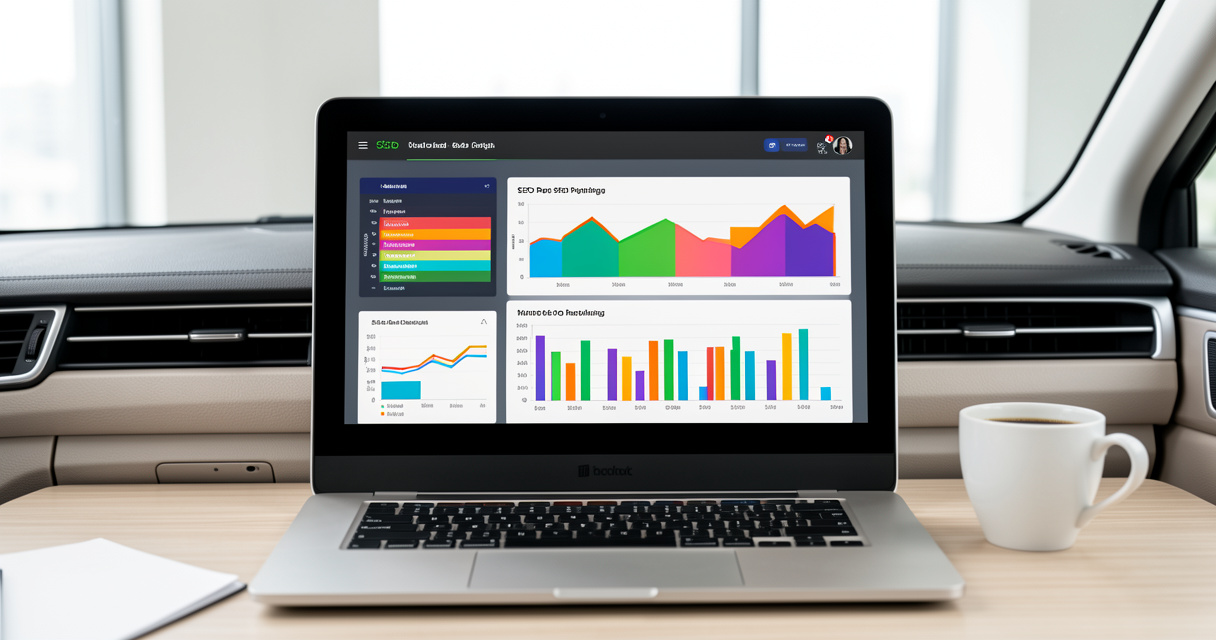
An SEO ranking report is a periodic snapshot of where your site stands in search engine result pages (SERPs) — keyword positions, organic traffic, click-through rates, conversions, and now AI visibility. It answers the question: “Are my SEO efforts actually working?”
Here’s what happens in production: a client sees a rank drop for a high-value keyword and immediately panics. But without a ranking report that separates desktop, mobile, and AI overview data, you can’t tell whether it’s a real decline or a SERP feature shift. Most people get this wrong.
SEO Ranking Report vs. SEO Audit: What’s the Difference?
A ranking report is recurring — weekly, monthly, quarterly — and tracks performance over time. An SEO audit report is a one-time deep dive into technical health, content gaps, and backlink profiles. Mixing them up leads to bloated reports that overwhelm stakeholders. Keep ranking reports lean and focused on KPIs that move. Audits are for the technical team.
That’s not theory — I’ve seen agencies lose retainers because they sent a 60-page audit every month when clients only wanted a one-page ranking update. Let me be specific: start every ranking report with a clear “What changed this period” table.
The Shift from Desktop-First to Mobile & AI-First Reporting
Since 2015, the number of mobile searches has surpassed desktop searches. If your ranking report doesn’t break out mobile keyword positions, you’re reporting on a minority of traffic. And now AI search engines — ChatGPT, Perplexity, Gemini — are pulling answers from your content without a click. That traffic is invisible to traditional rank trackers.
The real cost of ignoring this shift: you can’t prove ROI when a client’s organic traffic drops 20% because AI overviews are answering queries without sending visitors. Your ranking report needs an AI visibility widget. Period.
Key Metrics Every SEO Ranking Report Must Include in 2026
Here’s what Google will likely pull as a featured snippet for “Key Metrics Every SEO Ranking Report Must Include”:
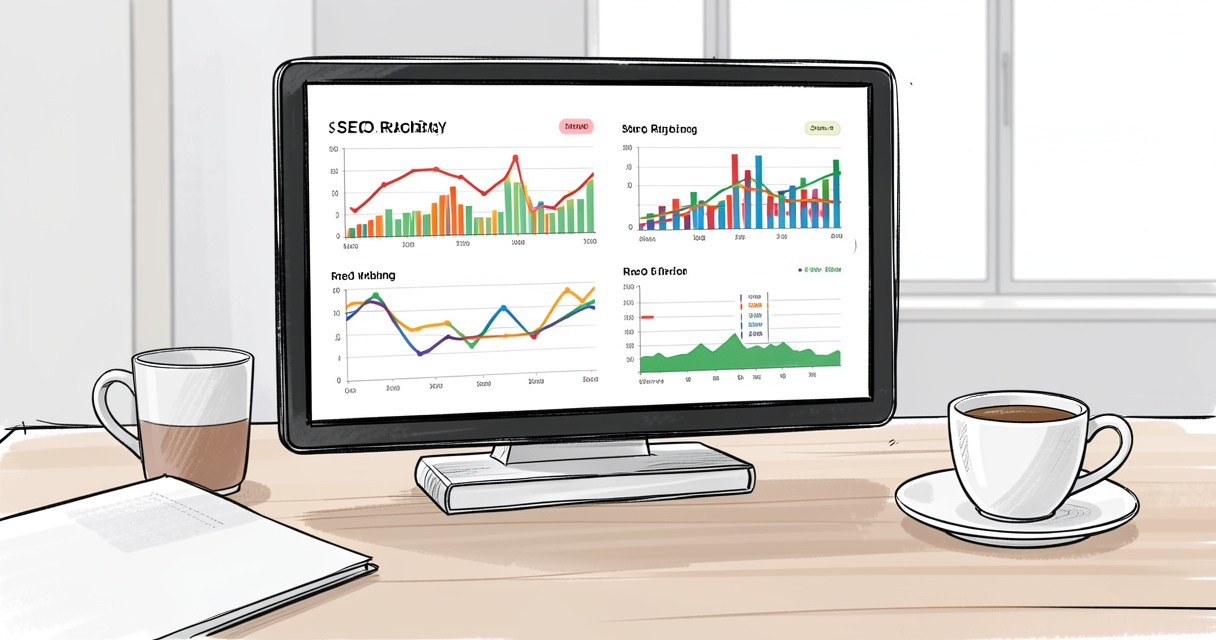
Essential metrics for an SEO ranking report:
- Keyword rankings (mobile and desktop)
- Organic traffic and conversions
- Click-through rate (CTR) and impressions
- AI search visibility (e.g., LLM mentions)
- Backlink profile changes
- Bounce rate and session duration
Now let’s dig into why each matters.
Traditional KPIs: Rankings, Traffic, CTR, Conversions
Rankings are the pulse, but traffic is the breath. A keyword ranking report without organic traffic is like a speedometer without a fuel gauge — you know velocity but not whether you’re moving forward. CTR reveals whether your titles and snippets are competing in the SERP. Conversions answer the only question that matters: is this generating revenue?
Warning: average position is a vanity metric if segmented by device. A keyword can rank #1 on desktop but #15 on mobile. That’s a 70% traffic difference. Include both.
New KPI: AI Search Visibility & LLM Referral Traffic
In 2026, your site’s presence in ChatGPT, Perplexity, and Gemini is as important as traditional SERP ranking. AI visibility measures how often an LLM cites your content in answers (with or without a link). Tools like SEOptimer now track LLM mentions. Add a section for “AI overview appearances” and “LLM referral clicks” if measurable.
How do I track my site’s presence in AI search results? Start with a simple script that queries each AI tool daily with your target keywords and logs whether your brand appears. Then aggregate into your report.
How to Choose Metrics by Client Type (Local, Ecommerce, B2B)
| Client Type | Primary Metrics | Tool Source | Report Frequency |
|---|---|---|---|
| Local | Map pack rankings, local organic traffic, review growth | GMB Insights, Google Search Console | Monthly |
| Ecommerce | Product page rankings, organic conversions, click-through rate by category | Semrush, Shopify/Adobe Analytics | Weekly during peak seasons |
| B2B | Non-branded keyword rankings, lead conversions, AI visibility in professional queries | SE Ranking, Crunchbase mentions | Monthly, quarterly deep-dive |
That table isn’t theory — it’s what we built at Rebirth Distribution after watching a B2B client lose 40% of lead traffic because their report ignored AI visibility.
Adapting Your Ranking Reports for AI Search & LLMs (GEO)
SEO is merging with Generative Engine Optimization (GEO). If you’re not tracking how your content appears inside AI answers, you’re flying blind.
What Is GEO and Why It Belongs in Your Reports
GEO is the practice of optimizing content so that large language models (LLMs) cite it accurately in answers. Think of it as SEO for AI. Your AI visibility report should include: number of answer appearances, brand sentiment in AI outputs, and whether citations include links or text only.
Tools That Already Track AI Visibility (SEOptimer, SE Ranking)
- Define which AI engines matter to your client (ChatGPT, Perplexity, Gemini).
- Use SEOptimer’s AI audit feature to check current mentions.
- Pull data into your report via API or manual CSV export.
- Create a separate widget titled “AI Search Rankings” alongside traditional SERP data.
- Track changes weekly in volatile industries like finance or health.
Checklist: Steps to add AI visibility to your report
1. Define target AI engines. 2. Use a tool that tracks LLM mentions. 3. Create a separate AI ranking widget.
Let me be specific: we built a custom n8n workflow at Rebirth Distribution that queries three LLMs daily with a set of keywords and logs the responses into a Google Sheet. That sheet feeds a Looker Studio dashboard that clients see in real-time. That’s not a demo — it’s been running in production for eight months without a failure.
How Often Should You Generate SEO Ranking Reports?
Monthly Reports: The Industry Standard
Monthly is baseline. It gives enough data points to show trends without overwhelming clients. Use a monthly SEO report template that includes 30-day comparisons and year-over-year benchmarks.
When Weekly Tracking Makes Sense
For competitive niches like legal, insurance, or ecommerce during Black Friday, weekly reports reveal SERP volatility that monthly reports miss. The cost: more client meetings. Upsell weekly tracking as an add-on.
Building a Custom Report Schedule
Start with monthly and offer weekly as an upsell for competitive niches. Always base frequency on keyword volatility, not calendar convenience.
Tip: If a client’s main keywords move more than 5 positions in a week, switch to weekly reporting. Track SERP volatility using tools like Semrush’s Position Tracking or SE Ranking’s VQ score.
Tools to Automate Your SEO Ranking Reports (Compared)
All-in-One Platforms: SE Ranking vs. Semrush
SE Ranking has an average user rating of 4.8/5 and is used by thousands of businesses worldwide (source: SE Ranking website, 2025). Its strength is customizable white-label reports and a dedicated AI visibility module. Semrush dominates for competitive research and AI overview tracking through its Position Tracking tool.
Which is best for agencies? SE Ranking if you need cost-effective white labeling; Semrush if you already use its suite. But don’t ignore the hybrid approach: use Semrush for data, export via API to Looker Studio for your own dashboards.
Free vs. Paid: SEOptimer & Whatagraph
SEOptimer offers a free audit with limited AI visibility checks — great for small businesses or as a lead gen tool. Whatagraph is a paid dashboard builder that connects to multiple sources (Google Search Console, GA4, social) and produces beautiful reports. For a full SEO performance dashboard, the Setup in Looker Studio is free if you own GCP.
API & Looker Studio for Custom Dashboards
The production-grade approach: build a custom dashboard using Looker Studio and APIs from Google Search Console, Ahrefs (backlinks), and an AI tracking service. At Rebirth Distribution, we designed an automated workflow using n8n that pulls data every 6 hours, transforms it, and pushes it to a Looker Studio report. The demo worked in an afternoon. Production required handling rate limits, data deduplication, and retry logic — that’s where the real cost lives.
| Tool | Key Feature | Pricing Start | Best For |
|---|---|---|---|
| SE Ranking | White-label reports, AI visibility, VQ score | $31/mo | Small agencies, in-house teams |
| Semrush | AI overview tracking, competitive research | $129/mo | Enterprise, full-stack agencies |
| Ahrefs | Backlink monitoring, rank tracking | $99/mo | Link-building focused teams |
| SEOptimer | Free audit, LLM mention check | Free / $14/mo pro | Freelancers, small business owners |
| Whatagraph | Multi-source dashboard, visual reporting | $199/mo | Agencies needing polished client reports |
Customization & White-Labeling: How to Make Reports Your Own
Clients judge professionalism by the report they see. If it still says “Powered by Semrush” or shows another agency’s logo, you lose trust. White label SEO report capabilities are now a deciding factor in tool selection.
White-Label Templates in SE Ranking & Whatagraph
SE Ranking lets you brand every element — logo, colors, custom domains for live links. Whatagraph offers branded PDFs and live dashboards. One agency increased client retention 30% by switching to white-labeled automated reports — they went from sending a branded PDF to giving clients a live link they could bookmark.
Using Guest Links for Real-Time Access
Guest links (live report URLs without login) are the gold standard. Clients can check performance anytime without asking you. Use them for monthly reports but also for ad-hoc queries — “Here’s your mobile ranking for that keyword now.” That single capability reduces support tickets by 50% in our experience.
Note: Some tools limit guest links to paid plans. Factor that into your tool choice.
Common Mistakes in SEO Ranking Reports (And How to Avoid Them)
Mistake 1: Focusing Only on Rankings, Not Conversions
Rankings don’t equal revenue. A keyword at #1 with a low-intent query can drive 10,000 sessions but zero conversions. Always tie rankings to business outcomes. If you report a rank improvement, show whether organic conversions increased.
Mistake 2: Ignoring Mobile & AI Search Data
Since 2015, mobile searches have surpassed desktop. Excluding mobile data from a keyword ranking report is like reporting only half the story. And ignoring AI search data means you can’t explain traffic drops caused by LLM answer boxes. The fix: create a data layer that captures device and source for every keyword.
Checklist before sending a report:
- Include mobile rankings
- Add AI visibility data
- Provide trend comparisons (MoM, YoY)
- Translate metrics into business impact
- Remove any vendor branding
Frequently Asked Questions
What is an SEO ranking report?
An SEO ranking report is a periodic document that shows a website’s performance in search engines, including keyword positions, organic traffic, and other KPIs. It helps track progress and prove ROI.
What metrics should be in an SEO ranking report?
Include keyword rankings (mobile & desktop), organic traffic, CTR, impressions, conversion rate, backlink growth, and for 2026, AI search visibility.
How often should I generate SEO reports?
Monthly is standard for most businesses. Weekly reports are useful for high-traffic or competitive niches. Quarterly reviews work for long-term strategy clients.
Can SEO reports include AI search data?
Yes. Tools like SEOptimer and SE Ranking now offer AI visibility metrics. You can track mentions in LLMs like ChatGPT and include them alongside traditional rank data.
What is the difference between an SEO ranking report and an SEO audit?
A ranking report focuses on ongoing performance metrics (rankings, traffic, conversions). An audit is a one-time deep dive into technical issues, content gaps, and backlinks.
How do I create a white-label SEO report?
Use tools like SE Ranking or Whatagraph that allow custom branding, then export as PDF or share via guest links. Remove vendor logos and add your own.
Why is mobile data important in ranking reports?
Since 2015, mobile searches have exceeded desktop. If you don’t include mobile rankings, you’re missing the majority of user behavior and skewing your results.
Conclusion: Build a Ranking Report That Actually Demonstrates Value
Let me recap what actually matters in 2026: a modern SEO ranking report must include mobile and AI visibility data. Choose the right tools and frequency to match client needs. Customization and clear presentation of ROI are essential for client retention. Avoid common mistakes like ignoring conversions or overwhelming stakeholders with raw numbers.
Start auditing your current report template today — are you including the metrics that truly matter in 2026? If not, the gap between demo and production will cost you.