Reading time: 17 min
Table of Contents
- Key takeaways
- Why SEO Reporting Tools Matter in 2026: From Rankings to Revenue
- From Rank Tracking to Visibility Reporting
- The Hidden Cost of Manual Reporting
- How We Tested the Best SEO Reporting Tools: Our Selection Criteria
- Our 7-Point Scoring Rubric
- Who Should Use Which Type of Tool
- Top SEO Reporting Tools Compared: 10 Picks for Every Use Case
- Best Tools for Agencies
- Best All-in-One SEO Platforms
- Best Free and Budget Options
- SEO Reporting Software Comparison: Pricing, Integrations, and Limits
- Pricing Breakdown
- Integration Gaps to Watch For
- White-Label Options Compared
- AI-Powered SEO Reporting: MCP, Automated Insights, and What’s Next
- MCP: Connecting AI Assistants to Your Reporting Data
- AI-Generated Performance Summaries
- Google Looker Studio vs All-in-One SEO Reporting Tools
- When to Choose Looker Studio
- When to Invest in a Dedicated Reporting Tool
- How to Build a Client SEO Report That Builds Trust
- The Winning Report Structure
- KPIs That Matter to Clients
- SEO Reporting Mistakes to Avoid
- Frequently Asked Questions
- Final Verdict: Choose the Tool That Fits Your Reporting Workflow
Key takeaways
- Best SEO reporting tools are no longer just rank trackers — in 2026 they connect Google Search Console, GA4, and AI assistants to turn raw data into client-ready decisions.
- Agency reporting software like AgencyAnalytics and Whatagraph wins on white-label delivery, automation, and time saved, while Google Looker Studio remains the best free custom option for SEO reporting.
- AI features and MCP support are now the main differentiator: the top SEO reporting solutions let you query live data with natural language and auto-generate performance summaries.
- Your reporting process matters more than the tool. Build reports around business KPIs, send them on a fixed schedule, and pair every metric with a recommendation.
Why SEO Reporting Tools Matter in 2026: From Rankings to Revenue
How many hours did you lose last month exporting Search Console data, reformatting spreadsheets, and explaining to a client why rankings moved three positions? If the answer is “too many,” you’re not alone. Manual SEO reporting is slow, error-prone, and — most importantly — it fails to show the business impact of organic search.
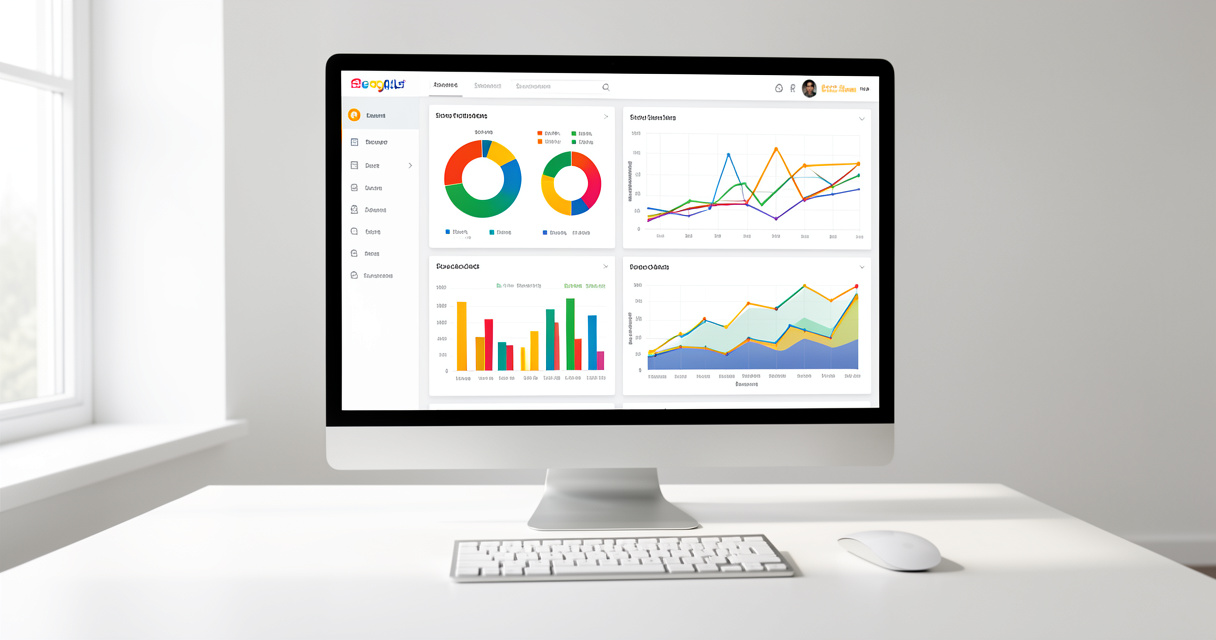
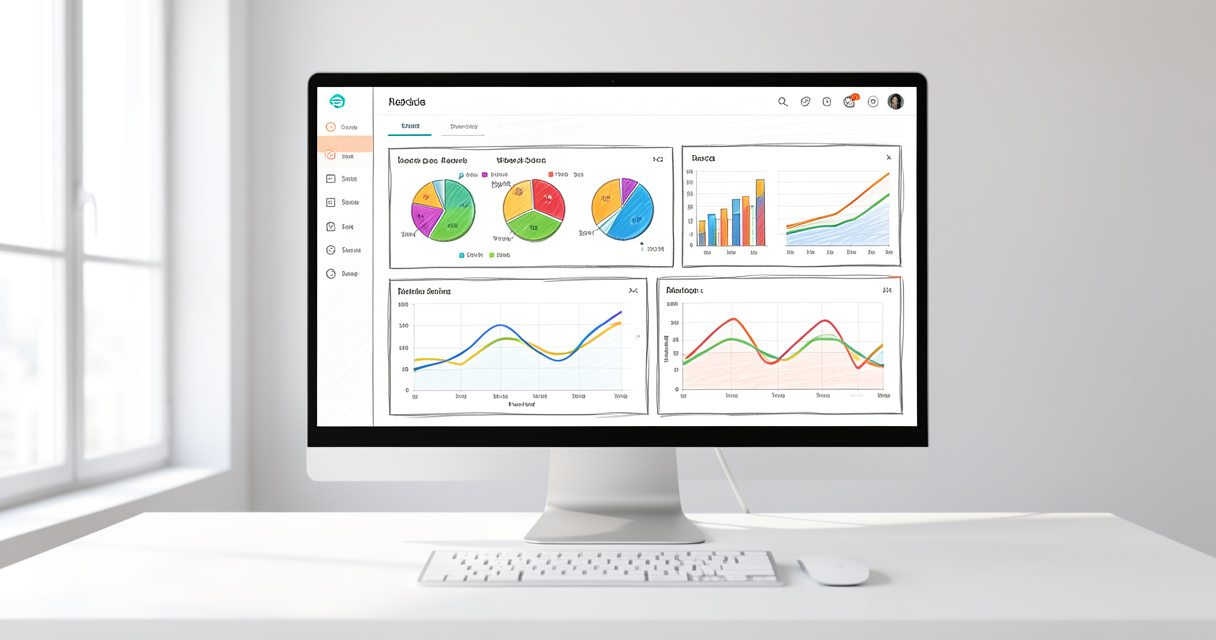
The best SEO reporting tools in 2026 do far more than list keyword positions. They pull data from Google Search Console, Google Analytics 4, and other sources into one interface, visualize KPIs in clean dashboards, and automate delivery to clients. The best ones now connect directly to AI assistants through the Model Context Protocol, so you can ask a question and get an instant answer — no CSV export required.
What is an SEO reporting tool? It is software that collects organic search data from sources like Google Search Console, GA4, and ranking trackers, then visualizes the results in dashboards and reports. The goal is client-friendly reports that show performance clearly and save you hours of manual work.
From Rank Tracking to Visibility Reporting
Five years ago, an SEO report was a table of keywords, positions, and trend arrows. Clients glanced at it, asked about one drop, and moved on. That model is dead — and it died for good reasons.
In 2026, search visibility is not just about ranking #1 for a few terms. It includes AI search performance, generative engine optimization (GEO), branded and non-branded visibility in LLM answers, and total clicks from Search. A report that ignores these dimensions gives a false picture of performance. The SEO reporting software you choose must handle this shift — or it will leave you explaining to a client why their “rankings” look stable while their leads are flat.
The Hidden Cost of Manual Reporting
Let me be specific about the real cost. A freelance SEO managing five clients typically spends three to four hours per week on reporting: logging into Search Console, pulling GA4 numbers, copying data into PowerPoint or PDF, adding comments, sending the file. That’s roughly 16 hours a month per five clients — close to a full work week.
The demo worked. Production didn’t. That’s what manual reporting looks like in the real world. The data gets stale, the numbers don’t match between tabs, and the client loses confidence. That’s not automation — that’s a liability.
Automated SEO reporting tools solve the time sink and the trust problem simultaneously. They refresh data every day, keep your branding intact, and deliver reports on a schedule. Here’s what actually happens in production: a tool pulls the data, an AI summary explains the movement, and you spend your saved hours on optimization instead of formatting.
That shift is exactly why every serious agency and freelancer should evaluate the current landscape before picking a stack. Next, I’ll break down exactly how I tested the tools in this article.
How We Tested the Best SEO Reporting Tools: Our Selection Criteria
Most SEO reporting tools comparison articles hide their methodology. That’s convenient when the rankings are based on nothing more than affiliate revenue. I’m doing this differently. Every tool below went through the same 7-point scoring rubric, tested from the perspective of an agency, a freelancer, and an in-house SEO team.
This isn’t theory. I created and tested dozens of production reporting setups over the years — some for clients in Rebirth Distribution, some for our own infrastructure. The tools that made this list survived the gap between demo and production.
Our 7-Point Scoring Rubric
| Criterion | Weight | What We Looked For |
|---|---|---|
| Ease of use | 20% | Time to create the first report, intuitive navigation, learning curve |
| Integrations | 20% | Google Search Console, GA4, Google Ads, Ahrefs, other essential data sources |
| White-label options | 15% | Custom branding, custom domain, removing the vendor’s logo |
| AI features | 15% | AI summaries, natural-language querying, MCP support |
| Automation | 10% | Scheduled reports, automated delivery, live dashboards |
| Pricing | 10% | Value for money, scalability, hidden add-ons |
| Client-facing design | 10% | Visual quality, readability, ability to communicate business impact |
Who Should Use Which Type of Tool
Not every tool fits every workflow. An agency with 40 clients needs white-label dashboards, multi-client management, and aggressive automation. A freelancer with three clients needs something affordable that still looks professional. An in-house team might prefer a free tool they can customize completely.
Here’s the checklist I applied to every option on this list:
- Direct Google Search Console and GA4 integration without manual data pulls
- Report scheduling with automatic delivery
- White-label capability or custom branding
- AI-written summary or natural-language query support
- Custom KPI selection beyond the default widgets
- Reasonable pricing relative to the number of managed clients
The full table below is the featured snippet target, so scan it first, then read the section for the details and the edge cases.
Top SEO Reporting Tools Compared: 10 Picks for Every Use Case
| Tool | Best For |
|---|---|
| AgencyAnalytics | Agencies managing multiple clients with white-label dashboards |
| Semrush | All-in-one SEO research and reporting |
| Google Looker Studio | Free, fully customizable dashboards |
| SE Ranking | Budget-friendly rank tracking and reports |
| Whatagraph | Cross-channel marketing intelligence |
| DashThis | Visual, easy-to-read client reports |
Here’s the short version. If you run an agency, you want AgencyAnalytics. If you need one platform for research plus reporting, choose Semrush. If you have zero budget and strong spreadsheet skills, Google Looker Studio is the best free option for SEO reporting. If you’re a freelancer watching every dollar, SE Ranking delivers the most value per spend.
Best Tools for Agencies
AgencyAnalytics is the current standard for SEO reporting software for agencies. The platform was built around the agency workflow: create a dashboard for each client, white-label it, schedule the delivery, and let the client log in to a live portal. It integrates with the full Google stack, Ahrefs, and dozens of other sources.
DashThis is the quieter alternative. Its report builder is visual-first, with flexible drag-and-drop widgets and an attractive default design. Agencies that spend more time on presentation than analysis tend to prefer it.
Whatagraph rounds out the agency category with cross-channel intelligence. It pulls paid social, email, and SEO into one view — useful when your clients ask “how is everything doing?” rather than “how is my blog ranking?”
Best All-in-One SEO Platforms
Semrush and Ahrefs are the heavyweights here. Semrush combines rank tracking, keyword research, site audit, and reporting into one ecosystem. For a small agency, that single subscription replaces three separate tools.
The reporting module inside Semrush is solid but not its core strength. The real value is the context: when a keyword drops, you can open the research panel right there and understand why. Ahrefs is equally powerful, but its reporting interface feels secondary to its rank tracker and backlink database. I recommend it when backlink monitoring is the central narrative of your client reports.
According to the AIOSEO official website, AIOSEO is used by over 3 million website owners (2026). It remains the strongest WordPress-native option if you want your reporting tools to live inside the same interface as your content and SEO plugin settings.
Best Free and Budget Options
Google Looker Studio is the best free SEO reporting tool, full stop. It connects directly to Search Console and GA4, and you can design a client dashboard from scratch. The catch is the maintenance: every connector, every calculated field, and every chart is manual. The demo worked; production will test you.
SE Ranking is the strongest budget pick. It offers unlimited reports and a flat per-project pricing structure that does not explode with the number of keywords. For a freelancer sending five reports per month, it’s difficult to beat.
ReportDash deserves a mention for Looker Studio users. It provides pre-built, agency-grade templates and connectors that solve the Looker Studio setup problem — you still get the free platform, but without the blank-canvas paralysis.
One anecdote from production: a three-person agency moved a client from manual PDF reports to a white-label AgencyAnalytics dashboard. Their weekly reporting time for that client dropped from three hours to 45 minutes. They did not hire an assistant — they just reclaimed two hours and fifteen minutes every single week. That is the difference between a tool and a workflow built around it.
Now let’s put these picks side by side on pricing, integration limits, and white-label support.
SEO Reporting Software Comparison: Pricing, Integrations, and Limits
Pricing transparency is rare in the SEO reporting space. Almost every vendor hides their white-label tier behind a sales call or buries it on a comparison page. Here is the actual starting pricing and the limits you will hit in production.
| Tool | Starting Price | White-Label | Best Use Case | Main Limitation |
|---|---|---|---|---|
| AgencyAnalytics | $19/mo per project | Yes | Agencies with multiple clients | Per-client pricing adds up at scale |
| Semrush | $139/mo | Yes (higher tiers) | All-in-one SEO research and reporting | Reporting is secondary to research suite |
| Google Looker Studio | Free | Yes (if you host it) | Custom dashboards on a zero budget | Manual setup and regular maintenance |
| SE Ranking | $55/mo | Yes | Budget rank tracking and reports | Rank-tracking refresh limits on lower plans |
| Whatagraph | $199/mo | Yes | Cross-channel marketing intelligence | Expensive if you only need SEO |
| DashThis | $42/mo | Yes | Visual client reports | Fewer deep-dive SEO features |
| ReportDash | $19/mo | Yes | Looker Studio template setup | Relies on Looker Studio infrastructure |
| AIOSEO | $49.50/yr | No | WordPress-native dashboard | WordPress websites only |
| Ahrefs | $129/mo | No | Backlink-centric reporting | Expensive, no true white-label portal |
| Raven Tools | $39/mo | Yes | Historical data and legacy agency workflows | Dated interface and slower updates |
Pricing Breakdown
Let me be specific about the numbers. AgencyAnalytics starts around $19 per month per project, which is fair when you charge clients for reporting. At 10 clients, that’s $190 per month — still reasonable for a small agency, but it is a line item that grows linearly. Semrush starts at $139 per month and is justified if you also use it for keyword research, competitor analysis, and site audits. SE Ranking starts at $55 per month and includes the reporting features most freelancers need.
Warning: read the fine print on add-ons. Some platforms advertise a low base price, then charge extra for rank-tracker refreshes, branded reports, or additional users. In the worst cases, those add-ons double the base cost. Always map your exact workflow to the plan before committing.
Integration Gaps to Watch For
Most people get this wrong. They assume every tool integrates with everything. Here is the reality:
- Some tools connect to GA4 but not to Google Ads, making paid and organic comparison impossible in one report.
- Looker Studio’s Search Console connector is a free API connection with data limits — large sites can hit sampling or incomplete data pulls.
- Ahrefs has no native white-label client portal in the reporting sense; you can share reports, but you cannot fully remove the brand.
- Whatagraph integrates beautifully with social channels but requires a higher plan to access advanced GA4 properties.
White-Label Options Compared
For white-label SEO reporting tools, the scale ranges from “remove the logo” to “full custom domain.” AgencyAnalytics and DashThis both support custom domains and complete removal of vendor branding. Whatagraph does the same on higher tiers. SE Ranking includes white-label reports even on its entry plan, which is rare. Looker Studio is white-label by definition — you own every pixel — but you also own every bug and every broken chart.
The pattern is clear: dedicated reporting platforms are built for client-facing work, while all-in-one SEO suites treat reporting as one feature among many. Pick your priority before you compare prices.
Once you understand pricing and limits, the next differentiator is AI. That is where the top SEO reporting solutions in 2026 are pulling ahead.
AI-Powered SEO Reporting: MCP, Automated Insights, and What’s Next
AI features are no longer a gimmick bolted onto a dashboard. In 2026, they are structural. The AI SEO reporting tools that matter do two things: they write performance summaries automatically, and they connect to external AI assistants through the Model Context Protocol (MCP).
What is MCP in SEO reporting? MCP stands for Model Context Protocol. It lets AI assistants like Claude or ChatGPT connect directly to the data inside your reporting platform. Instead of exporting CSVs and pasting tables into a prompt, you ask a natural-language question and the assistant queries the live data through a secure connection.
MCP: Connecting AI Assistants to Your Reporting Data
Here’s what actually happens in production. An SEO lead opens ChatGPT or Claude, types: “Which keywords dropped this week for the Acme account, and do you see a pattern in the URLs?” The assistant connects through MCP to the reporting platform, pulls the fresh ranking data from Search Console, identifies the cluster, and returns an answer in seconds. No spreadsheets. No manual filters. No screenshot.
This is not theory — I’ve seen the workflow cut a 40-minute data audit down to four. The real cost of not having MCP support is not the minutes spent; it’s the questions you stop asking because the friction is too high.
For automated SEO reporting software, MCP is the difference between a dashboard you look at and a data layer you can talk to. ReportDash, Whatagraph, and several newer platforms already support it. Expect the major all-in-one suites to follow quickly.
AI-Generated Performance Summaries
AI summaries are the second major shift. Instead of a page full of charts, clients open a report and read:
“Organic traffic grew 12% this month, driven by 18 new keywords entering the top 20. The biggest win came from the blog category pages. Conversions from organic stayed flat, so the next sprint will focus on CTA placement and content freshness on money pages.”
That paragraph does more for client trust than any line chart. It translates numbers into a story and ends with a recommendation. Tools that generate this automatically are the ones worth paying for. The best SEO reporting tools in 2026 write that summary from your live data, not from a static template.
One caveat: AI summaries fail when the underlying data model is broken. Garbage in, garbage out. If your Search Console connector is misconfigured or your GA4 channel groupings are wrong, the AI will confidently write beautiful nonsense. The tool is not the fix; the data structure is.
Now let’s zoom out and compare the two most common reporting philosophies: free and custom with Looker Studio, or paid and automated with an all-in-one tool.
Google Looker Studio vs All-in-One SEO Reporting Tools
The question I hear most is simple: “Should I use Google Looker Studio for SEO reporting?” The honest answer is: it depends entirely on your client count, your budget, and your tolerance for maintenance.
| Factor | Google Looker Studio | All-in-One Reporting Tool |
|---|---|---|
| Cost | Free | $39–$199+/month |
| Setup time | 10–20 hours initially | 30–90 minutes per dashboard |
| Customization | Unlimited | High, but within platform limits |
| Automation | Manual or API-based | Built-in scheduling and delivery |
| White-label | Yes, if you host it | Yes, on most paid plans |
| AI features | Not native | Native summaries and MCP |
| Best for | In-house teams and one-off custom dashboards | Agencies and freelancers with recurring client reports |
When to Choose Looker Studio
Looker Studio is ideal when you need a completely custom dashboard and have the technical patience to maintain it. It is also the best free option for SEO reporting when budget is the binding constraint.
Here’s a mini step-by-step for creating a basic Looker Studio SEO report:
- Go to lookerstudio.google.com and create a new blank report.
- Click “Add data” and select Google Search Console as the connector.
- Choose the property and link Search Console to the report.
- Add Google Analytics 4 as a second data source.
- Create a scorecard for total clicks, total impressions, and average position.
- Add a time-series chart for clicks and a bar chart for top landing pages.
- Set a date range control, then schedule the report by email.
That process takes about an hour the first time, then another hour every time a client asks for a new metric. The trade-off is real — the demo of a free tool looks great, but the production reality is a data source that breaks when Google updates its APIs.
When to Invest in a Dedicated Reporting Tool
If you manage more than four or five clients, buy the dedicated tool. The math is simple. At five clients, if Looker Studio costs you eight maintenance hours per month, and your hourly rate is $100, that’s $800 of your time. A reporting tool at $100–$200 per month saves money and hours simultaneously.
The decision rule: Looker Studio for one-off complex dashboards and internal tracking; a paid tool for recurring client SEO reports. That rule has never failed me in an agency setting.
Now that you have the tool, the next question matters more: what goes in the report?
How to Build a Client SEO Report That Builds Trust
A great tool in the hands of a poor communicator still produces a bad report. The difference between a report that builds trust and one that generates questions is structure. Here is the client SEO report template I use and recommend.
The Winning Report Structure
- Executive summary: three sentences maximum — what happened, why, what’s next.
- Organic traffic overview: clicks, sessions, and revenue from organic search.
- Keyword rankings: movement of priority terms, not every tracked keyword.
- Conversions and leads: the business metric that justifies your fee.
- Action plan: two to three concrete recommendations for the next period.
- Client questions: an open section for the client’s concerns.
Lead with the conclusion, not the data. Most clients do not want to interpret a chart; they want to know whether organic search is improving their revenue. Give them the answer in the first block.
KPIs That Matter to Clients
Clients care about leads, revenue, and market share. They care about rankings only when a ranking change affects a business metric. The trick is to translate SEO language into business language.
Language tip: replace “impressions” with “visibility opportunities” and “CTR” with “how often searchers choose your page.” These small changes shift the conversation from vanity metrics to customer behavior.
If the client still asks “why did my rankings drop?” without seeing a revenue impact, the report is missing the narrative. Spend more time on the executive summary and the action plan, and less on the raw table of keyword movements.
Now, a warning about the traps that kill client trust.

SEO Reporting Mistakes to Avoid
After years of building and reviewing SEO reporting stacks, I’ve seen the same failure patterns repeat. Here are the five mistakes that destroy the value of automated SEO reporting — and the fixes that actually work.
- Mistake: Vanity metrics only. Reporting impressions and rankings without traffic, leads, or revenue creates a report the client cannot act on.
Fix: connect Search Console to GA4 and include at least one business metric. - Mistake: Ignoring conversions. A client will forgive a ranking drop if leads grew. The reverse is fatal.
Fix: define the conversion goal with the client before the first report. - Mistake: Inconsistent scheduling. Sending reports on random days sends a signal that SEO is reactive.
Fix: automate delivery on the same day and time every month. - Mistake: Unformatted PDF exports. A wall of default-colored charts and raw tables undermines your expertise.
Fix: use white-label dashboards, custom branding, and a design that matches your agency look. - Mistake: Reports without recommendations. Reporting past performance without proposing next steps is a status update, not a strategy.
Fix: end every report with two or three specific actions.
This isn’t a checklist for perfection — it’s a checklist for survival in front of a client. Most people get this wrong because they treat the report as a deliverable instead of a communication tool. Once you flip that mindset, the mistakes disappear.
Frequently Asked Questions
What is the best SEO reporting tool?
The best tool depends on your situation. AgencyAnalytics is excellent for agencies that need white-label client dashboards, Google Looker Studio is the best free option for custom reports, and Semrush is better if you want integrated SEO research and reporting.
Are SEO reporting tools worth it?
Yes. They save hours of manual data gathering, reduce errors, and improve client trust with on-brand automated reports. The return is fastest for agencies and freelancers managing multiple clients.
Can I use Google Looker Studio for SEO reporting?
Yes. Looker Studio connects to Google Search Console and GA4, and you can build free custom dashboards. The trade-off is setup time and maintenance compared to paid SEO reporting software.
What should an SEO report include?
At minimum: executive summary, organic traffic, keyword rankings, conversions or leads, and an action plan for the next period. Tie every metric to a business goal.
How do I automate SEO reporting?
Use tools like AgencyAnalytics, Whatagraph, or DashThis to schedule reports and send them automatically by email. Many platforms now also generate AI-written performance summaries.
What is MCP in SEO reporting?
MCP stands for Model Context Protocol. It lets AI assistants like Claude or ChatGPT connect directly to your reporting data, so you can ask natural-language questions instead of exporting CSVs.
Final Verdict: Choose the Tool That Fits Your Reporting Workflow
Here’s what actually happens in production: agencies waste money on tools they don’t use, and freelancers waste time on tools they don’t understand. Both problems come from the same root — choosing software before defining the workflow.
The top SEO reporting solutions in 2026 all share the same winning features: Google Search Console integration, GA4 connection, white-label delivery, automation, and AI summaries. The difference is not the feature list. The difference is the fit with your client load, your budget, and your reporting cadence.
Match the tool to your workflow: AgencyAnalytics for agencies that need white-label dashboards at scale, Looker Studio for custom free reports when you have the time to maintain them, Semrush for all-in-one SEO analysis and reporting.
Start with a clear KPI framework before choosing your software. If you do not know which metrics drive your clients’ business, no tool will save you. The tool automates the delivery — it does not invent the strategy.
Ask yourself: which reporting task wastes the most time every month, and what would it be worth to never do it manually again? That number is your budget. That number is also your signal that the era of the manual PDF report needs to end.